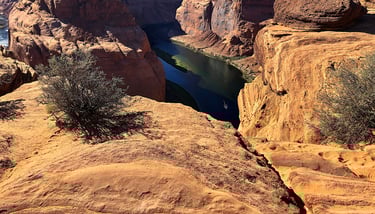
Wladimir
Schweigert
Photography and literary musings
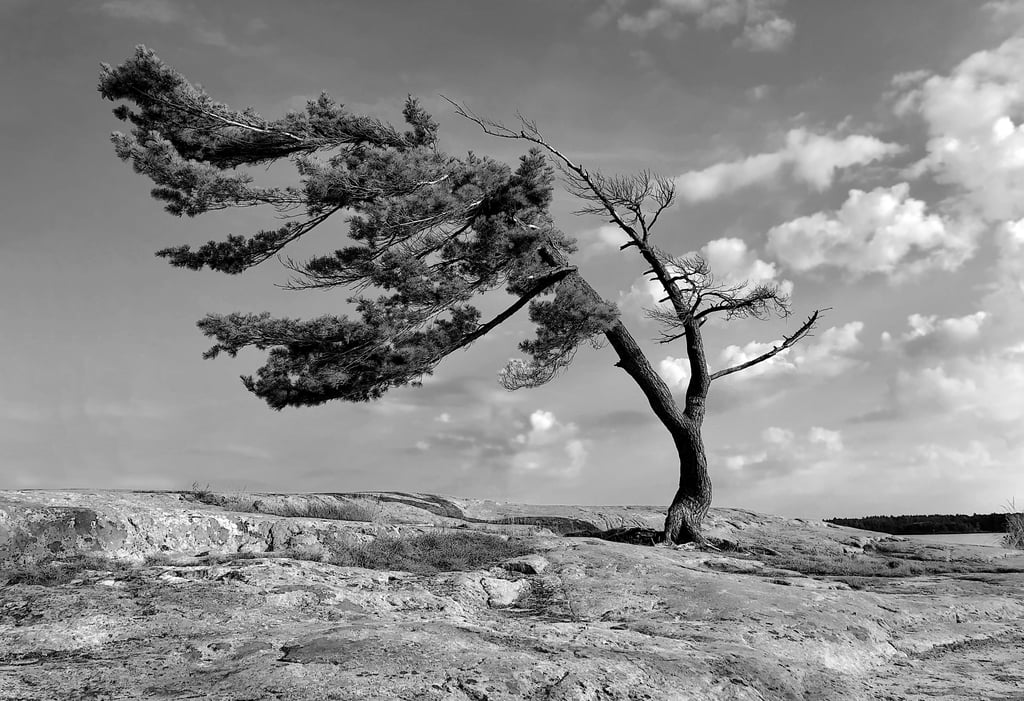
Taking photographs...
and joining the scrivener's craft.
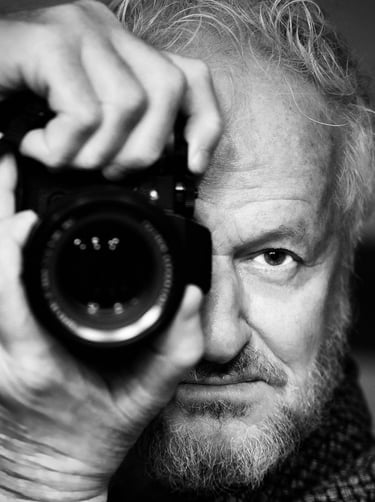
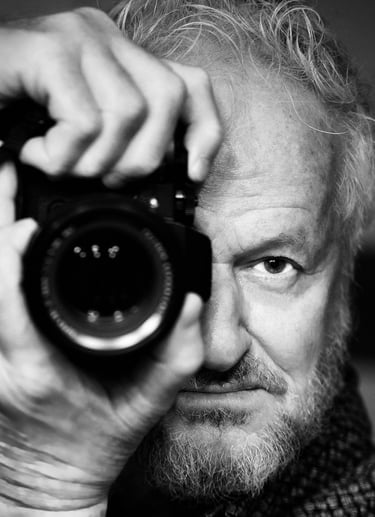
My name is Wladimir and my passion in life is the pondering of existence... the contemplation of its manifestations. They just may show in my photos and the occasional scribbles on the back of a cast-off envelope or a piece of junked paper. Take a look at my journeys below. Hope you find it affirming and uplifting.
01
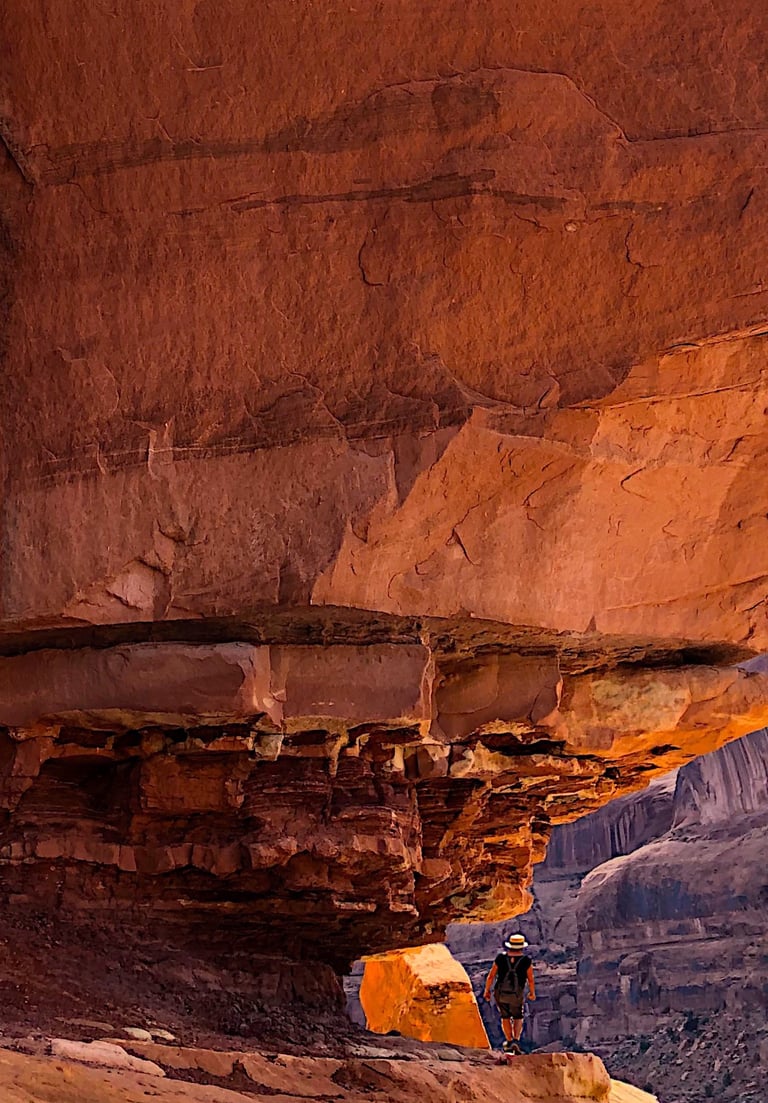
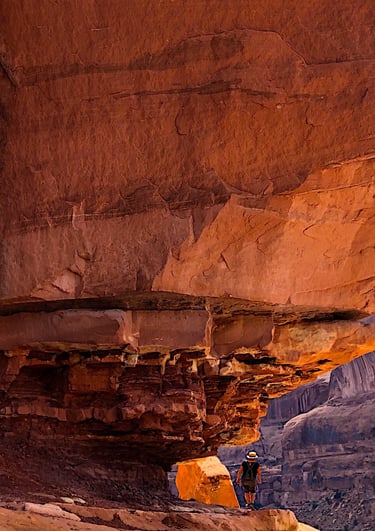
Landscape
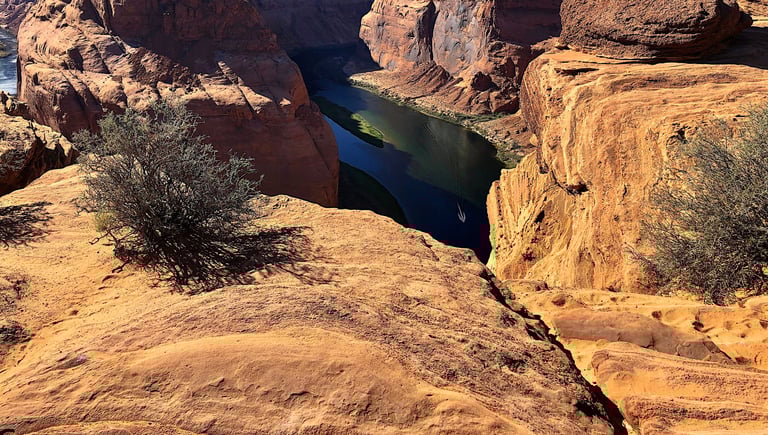
Landscapes in monochrome and colour. Some belong to a series as indicated with the photograph.
02

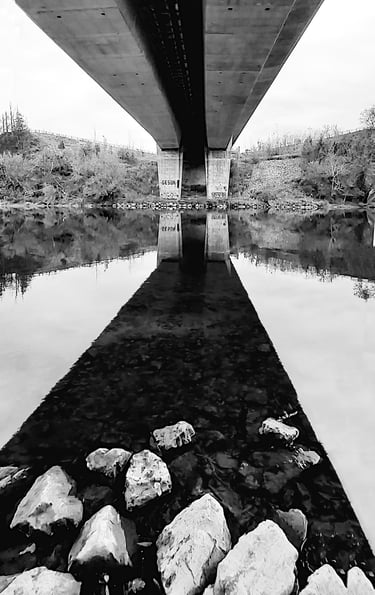
Urban landscape
Photographs that show habitation, the influence of man... in monochrome and colour
03
AbstractCreative
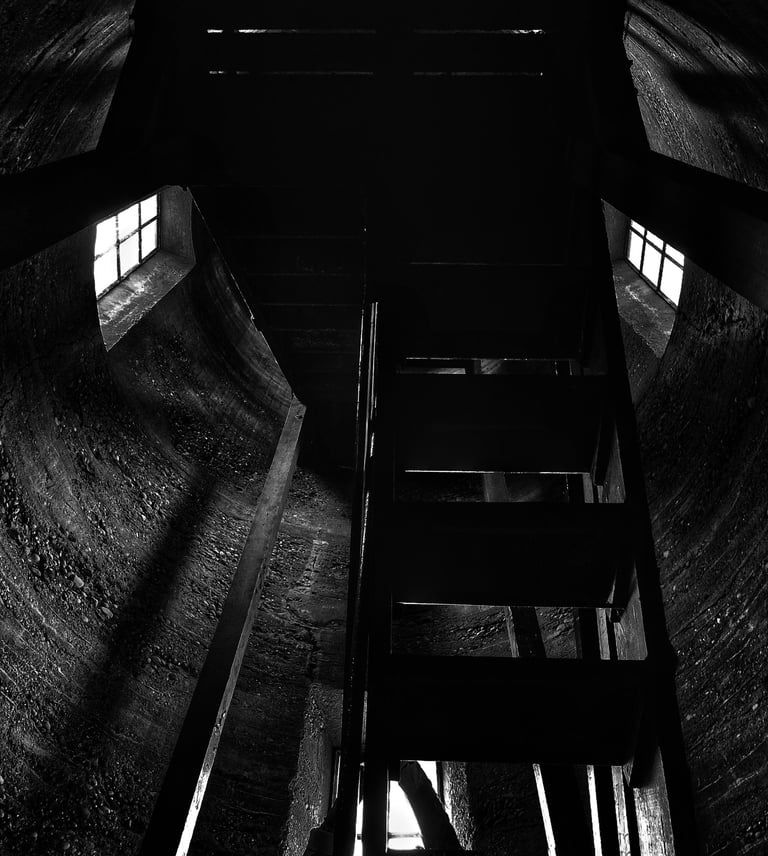
Images that arise from a view that invites a certain irreverance and whimsicality in its execution and presentation.
04
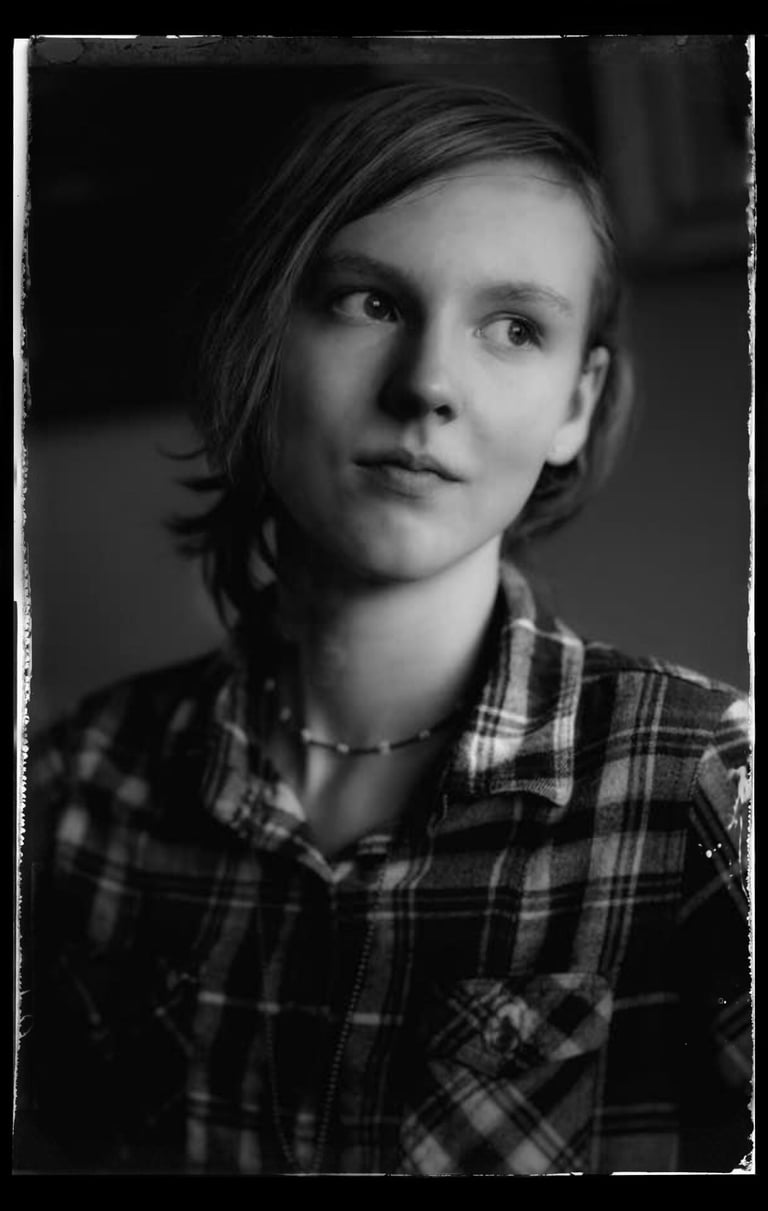
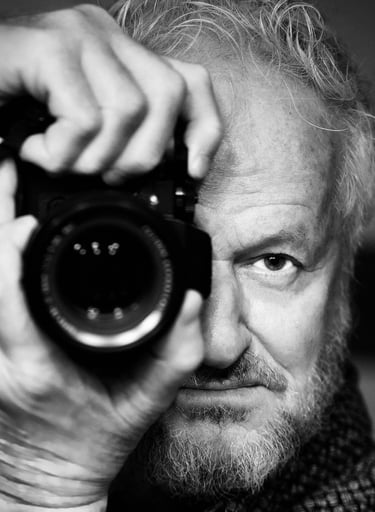
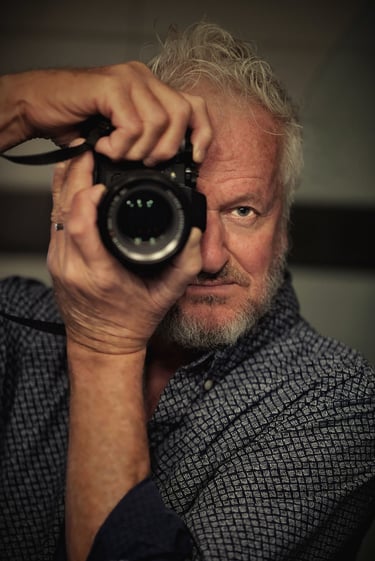
Portraiture
Considered by many the "higher calling" in photography. It's undoubtedly a difficult proposition to envelope the semblance of a sitter with his or her character.
05
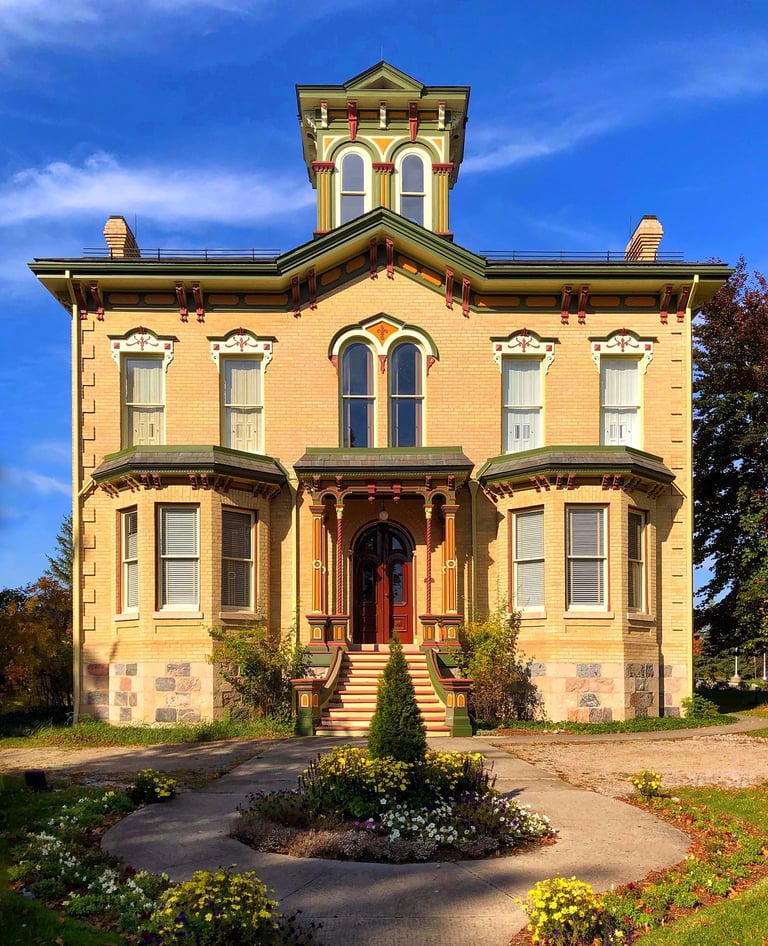
Architecture
A most rewarding enterprise for a photographer to capture the character of an edifice, a structure, a building. Sometimes grandiose, sometimes humble and sublime.
06
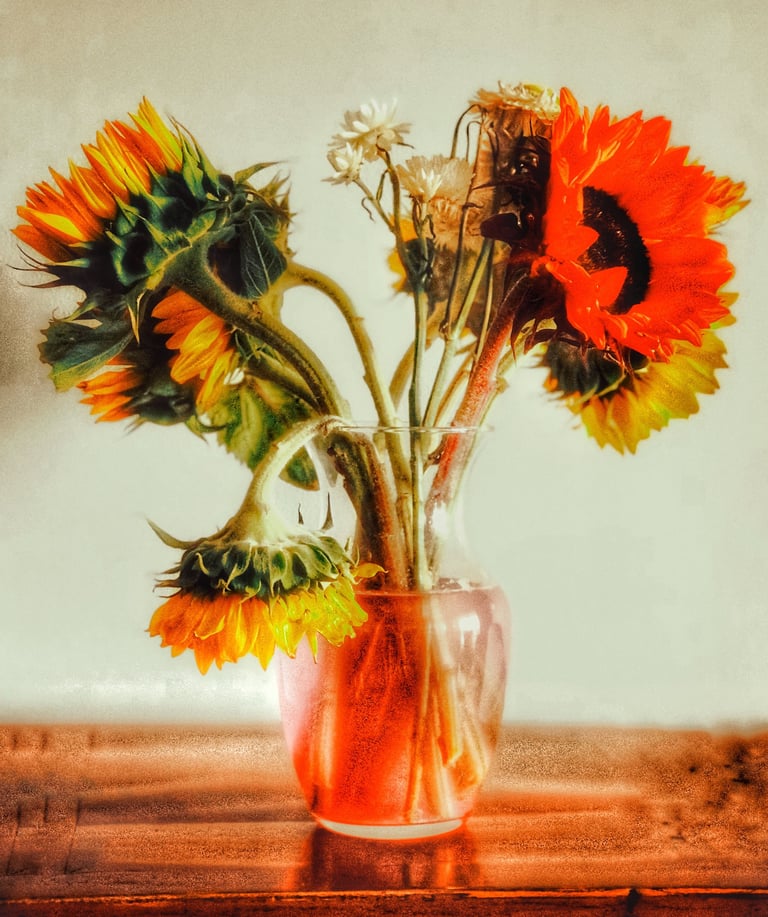
Just a delightful photo
Here are photographs that are just nice to look at. The pleasures, the gratifications found in the grandiose and large vistas... or most often the ones encountered in the unassuming scenes.
07
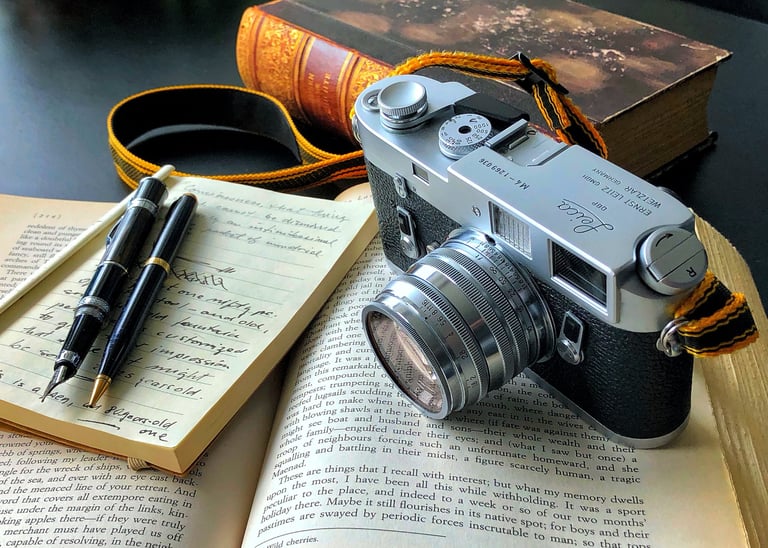
Literary musings
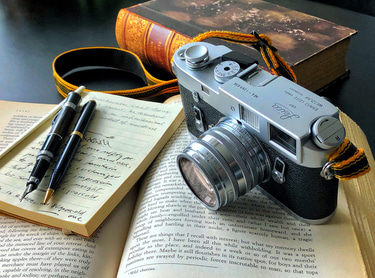
Here you will find at times random, at other times more organized scribbles of a dilettante, a peruser of books, a vagabond, a philosophical hobo, a tramp who eschews the conventions, the impositions of dogmatisms... of one who wanders aimlessly and stops only to ponder and wonder and marvel. And here you have it... my first mini essay. You also will find in these pages quotes from authors whose company I enjoy. Now go to my blog page.
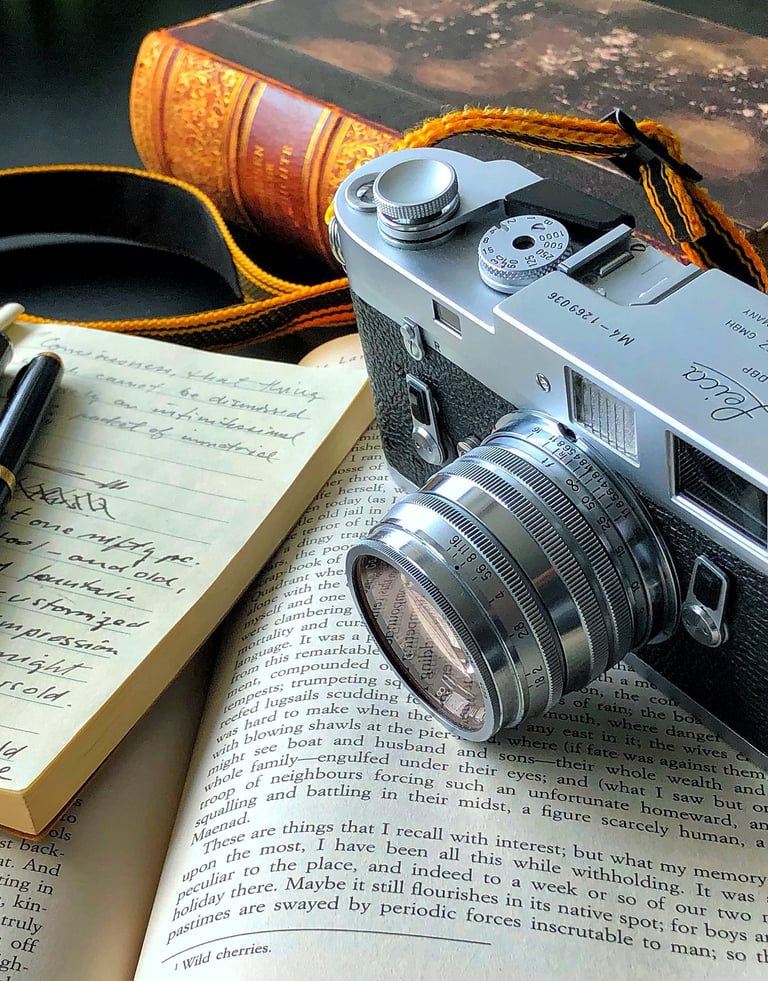
WORK with mE
I am a photographer in the analog tradition working now with digital technology. I am striving to make engaging photographs in a somewhat conceptual approach, monochromatic or colour, but still true to what is there. I also produce photos of the beautiful world around us where the creativity is displayed mainly in the selection of the scene and its framing. I will take assignments in portraiture and in architectural photography. I will make enlargements as requested. My literary pursuit is of personal musings and quotes of authors I find appealing. I hope you will find these entertaining.